
From checkout to signal in four steps.
No shop, no queue, no passport photocopy. You do the work at home in pyjamas, and the plan waits patiently until your plane touches down.
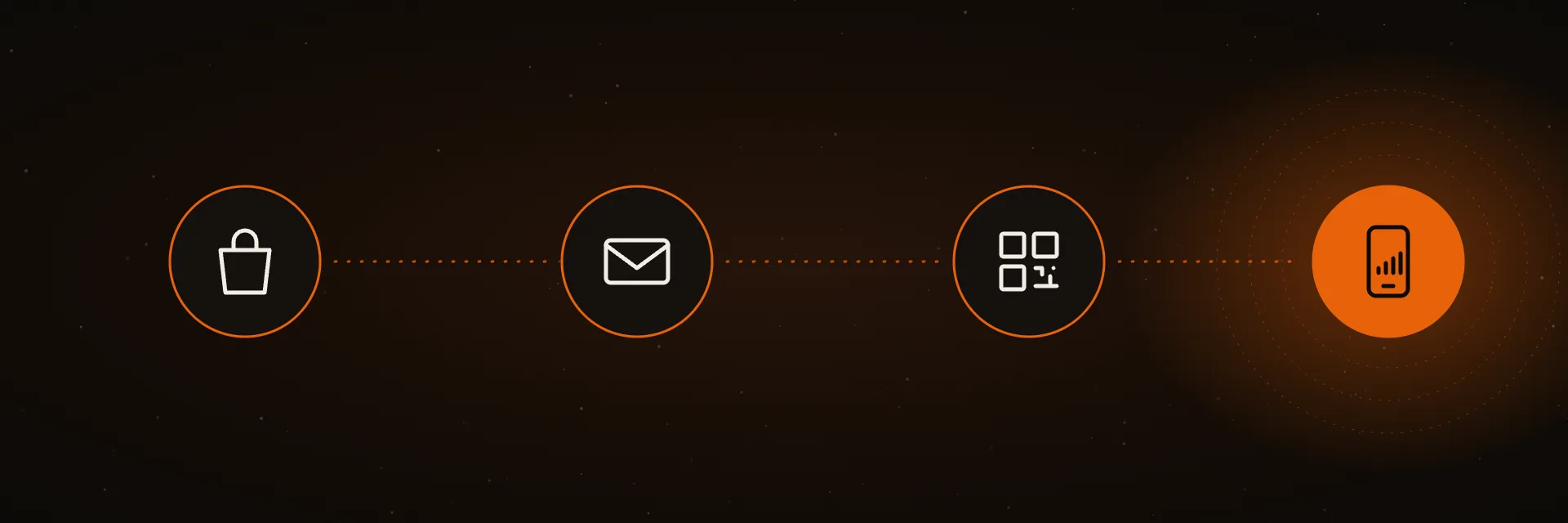
Choose the country or region, then how much data and how many days. Fixed GB if you like knowing the number, Unlimited if you’d rather not think about it.
Card, Apple Pay or Google Pay through Stripe. The email with your QR code arrives before you’ve closed the tab. It also lives in My eSIMs.
Scan the code from Settings. The profile downloads onto the chip already soldered into your phone. Do this before you fly — it needs internet, and your plan hasn’t started yet.
Turn the Agora line on for data and enable data roaming. The local network recognises the line and your plan starts counting from that moment.
The moment you pay, we reserve a data line with a partner network in your destination — one of 140 operators we hold agreements with. That network generates a profile: a small encrypted file holding the credentials your phone needs to be recognised as a legitimate subscriber.
We wrap that profile in a QR code and send it to you. Nothing about your home line is touched: your number keeps working exactly as before, on the same phone, at the same time.
The single most common cause. An eSIM abroad is technically roaming — the switch must be on for the Agora line specifically, not your home line.
Two lines live on the phone. Check that mobile data is assigned to the Agora profile, not to your home carrier.
Each code installs once. If you scanned it on another phone, open My eSIMs and reinstall from there.
Still nothing after all three? Write to support@esimagora.com with your order number. We can see the profile status on our side and usually fix it in one reply.
Pick a destination and the rest takes about two minutes.